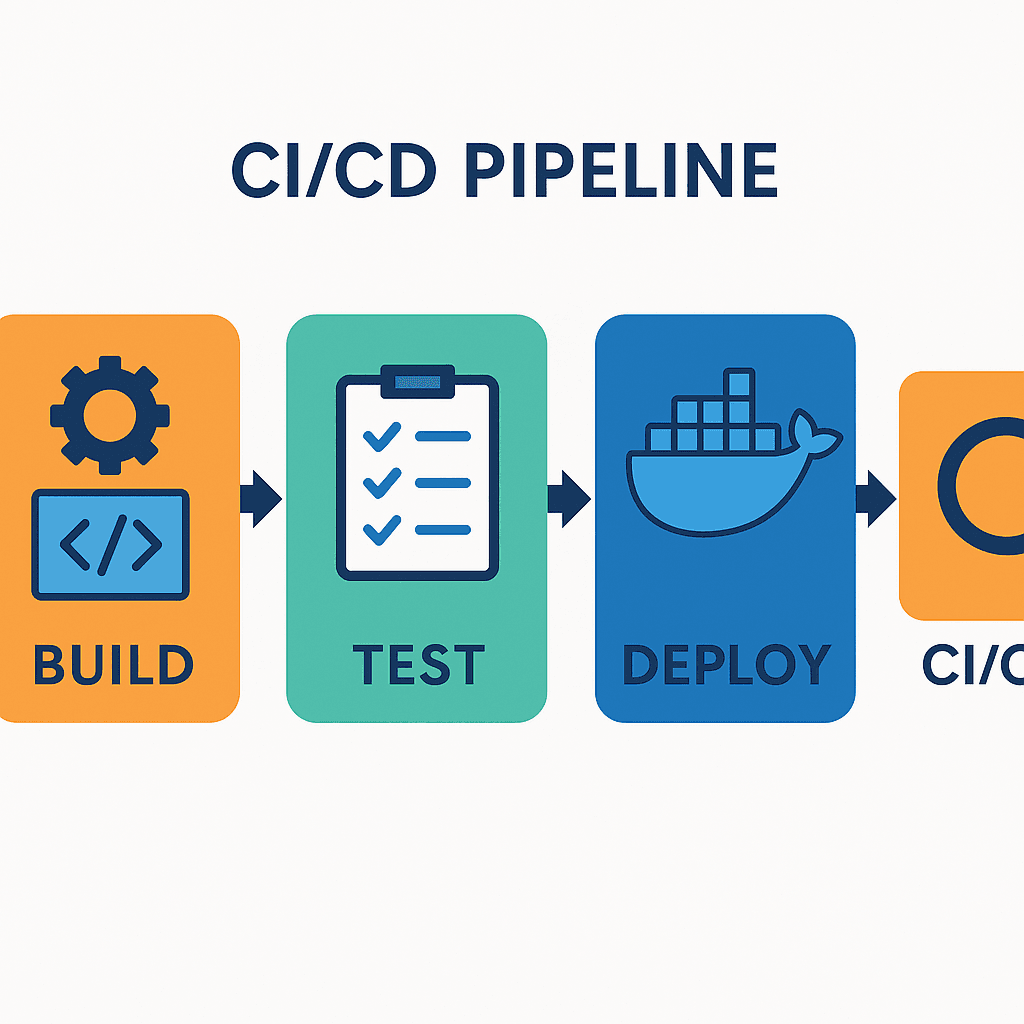
🚀 DevOps Essentials: Mastering Linux Administration

Software Developer successfully implemented DevOps principles
Linux Administration
If you're diving into DevOps, understanding Linux system administration is crucial! Here’s a beginner-friendly breakdown of key concepts, covering user management, permissions, log analysis, disk usage, process monitoring, and automation.
🔹 1️⃣ User & Group Management
Linux users and groups help organize access control.
Every user is stored in
/etc/passwd, and group details are in/etc/group.You can create a user and add them to a group for better access management.
Grant sudo access to allow administrative privileges.
Restrict SSH logins for security in
/etc/ssh/sshd_config.
💡 Example:
To create a user devops_user and add them to devops_team:
sudo useradd -m devops_user
sudo groupadd devops_team
sudo usermod -aG devops_team devops_user
sudo passwd devops_user  # Set a password
sudo useradd -m devops_user
sudo groupadd devops_team
sudo usermod -aG devops_team devops_user
sudo passwd devops_user # Set a password
📁 2️⃣ File & Directory Permissions
File permissions define who can read, write, or execute files in Linux.
The
ls -lcommand shows file permissions.Use
chmodto modify them.A secure directory structure ensures controlled access to files.
💡 Example:
To create a workspace directory and restrict access:
mkdir /devops_workspace
touch /devops_workspace/project_notes.txt
chmod 740 /devops_workspace/project_notes.txt  # Owner can edit, group can read, others denied
📝 3️⃣ Log File Analysis with AWK, Grep & Sed
Logs help monitor system activity. Using Linux tools, we can analyze them efficiently.
grepfinds specific error messages in log files.awkextracts useful data like timestamps and log levels.sedreplaces sensitive details for security.
💡 Example:
To filter logs containing errors and hide IP addresses:
grep "error" Linux_2k.log
awk '{print $1, $2, $3}' Linux_2k.log  # Extract timestamp and log level
sed 's/[0-9]\{1,3\}\.[0-9]\{1,3\}\.[0-9]\{1,3\}\.[0-9]\{1,3\}/[REDACTED]/g' Linux_2k.log
💾 4️⃣ Volume Management & Disk Usage
Efficient storage management prevents performance bottlenecks.
Mount new storage volumes for expanding data capacity.
Use
df -hto check disk space usage.Verify mounts with
mount | grep devops_data.
💡 Example:
To create and mount a new directory:
mkdir /mnt/devops_data
mount /dev/sdb1 /mnt/devops_data  # Mount a new volume
df -h | grep devops_data  # Verify disk space
🔍 5️⃣ Process Management & Monitoring
Processes keep systems running, but monitoring them prevents overload.
Use
ps,top, andhtopto monitor system performance.Stop unwanted processes with
kill.
💡 Example:
To start a background process and monitor it:
ping google.com > ping_test.log &
ps aux | grep ping
top  # Real-time monitoring
kill $(pgrep ping)  # Stop the process
🔄 6️⃣ Automate Backups with Shell Scripting
Automate backups to protect important data!
💡 Example:
A simple script to create daily backups:
#!/bin/bash
tar -czf /backups/backup_$(date +%F).tar.gz /devops_workspace
echo -e "\e[32mBackup successful!\e[0m"
- Save this script in
/backupsand schedule it with cron for automatic execution!