🚀 Jenkins CI/CD – Real-World Challenges & Solutions from #90DaysOfDevOps
Software Developer successfully implemented DevOps principles
As part of my #90DaysOfDevOps journey, Week 6 was all about diving deep into Jenkins—not just the basics, but real-world scenarios that simulate job-grade challenges. From building pipelines to scaling agents and integrating security scans, this week pushed me to think like a DevOps engineer in production.
Here’s a breakdown of what I tackled, how I solved it, and what I learned:
🔧 Task 1: CI/CD Pipeline for a Sample App
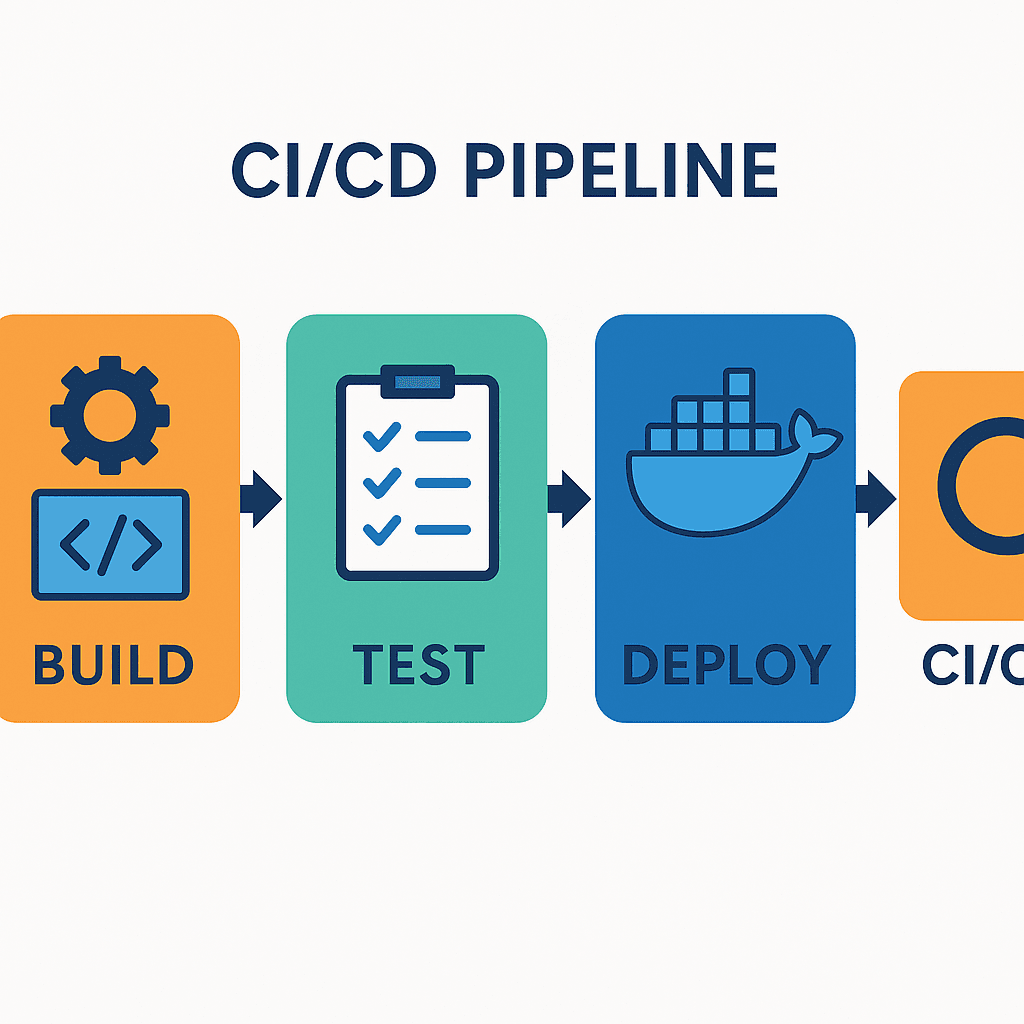
I created a Jenkins Pipeline job using a declarative Jenkinsfile with three stages:
Build: Compiled the app and created a Docker image.
Test: Ran unit tests inside a container.
Deploy: Deployed the container locally and verified using
docker ps.
📌 Lesson: Declarative pipelines simplify CI/CD by enforcing structure and readability. Breaking stages improves debugging and visibility.
🌐 Task 2: Multi-Branch Pipeline for Microservices
I configured a Multi-Branch Pipeline to scan multiple Git repos and build services concurrently. Each service had its own Jenkinsfile with parallel test stages.
📌 Lesson: Multi-branch pipelines streamline microservices CI by isolating builds per branch. Merge simulations helped me test PR workflows effectively.
🖥️ Task 3: Scaling Jenkins Agents
I added two agents:
A Linux-based Docker container
A Windows VM
Each was labeled and used selectively in the pipeline via agent { label 'linux' }.
📌 Lesson: Distributed builds reduce bottlenecks and improve reliability. Labeling agents ensures platform-specific tasks run where they belong.
🔐 Task 4: RBAC for Multi-Team Access
Using the Role Strategy Plugin, I created roles for Admin, Developer, and Tester. Each had tailored permissions, and I verified access using test accounts.
📌 Lesson: RBAC is critical for securing Jenkins. Without it, a misconfigured role could expose sensitive jobs or credentials.
📦 Task 5: Jenkins Shared Library
I built a shared library repo with reusable functions like:
def notifySlack(String message) {
    sh "curl -X POST --data '${message}' https://hooks.slack.com/services/..."
}
Then I loaded it in pipelines using:
@Library('my-shared-library') _
📌 Lesson: Shared libraries reduce duplication and enforce consistency across pipelines.
🛡️ Task 6: Vulnerability Scanning with Trivy
I added a Vulnerability Scan stage:
stage('Scan') {
    steps {
        sh 'trivy image my-app:v1.0'
    }
}
📌 Lesson: Trivy helps catch known CVEs early. I configured the pipeline to fail on critical vulnerabilities—security-first mindset!
⚙️ Task 7: Dynamic Parameterization
I added runtime parameters:
parameters {
    string(name: 'TARGET_ENV', defaultValue: 'staging')
    string(name: 'APP_VERSION', defaultValue: '1.0.0')
}
📌 Lesson: Parameterization makes pipelines flexible for multi-environment deployments.
📧 Task 8: Email Notifications
Configured SMTP and added:
emailext (
    subject: "Build #${env.BUILD_NUMBER} Status",
    body: "Check details at ${env.BUILD_URL}",
    recipientProviders: [[$class: 'DevelopersRecipientProvider']]
)
📌 Lesson: Automated alerts keep teams informed and reduce response time to failures.
🧠 Task 9: Troubleshooting & Monitoring
I simulated pipeline failures and used:
docker logsJenkins console output
echostatements for debuggingJenkins Replay feature for quick fixes