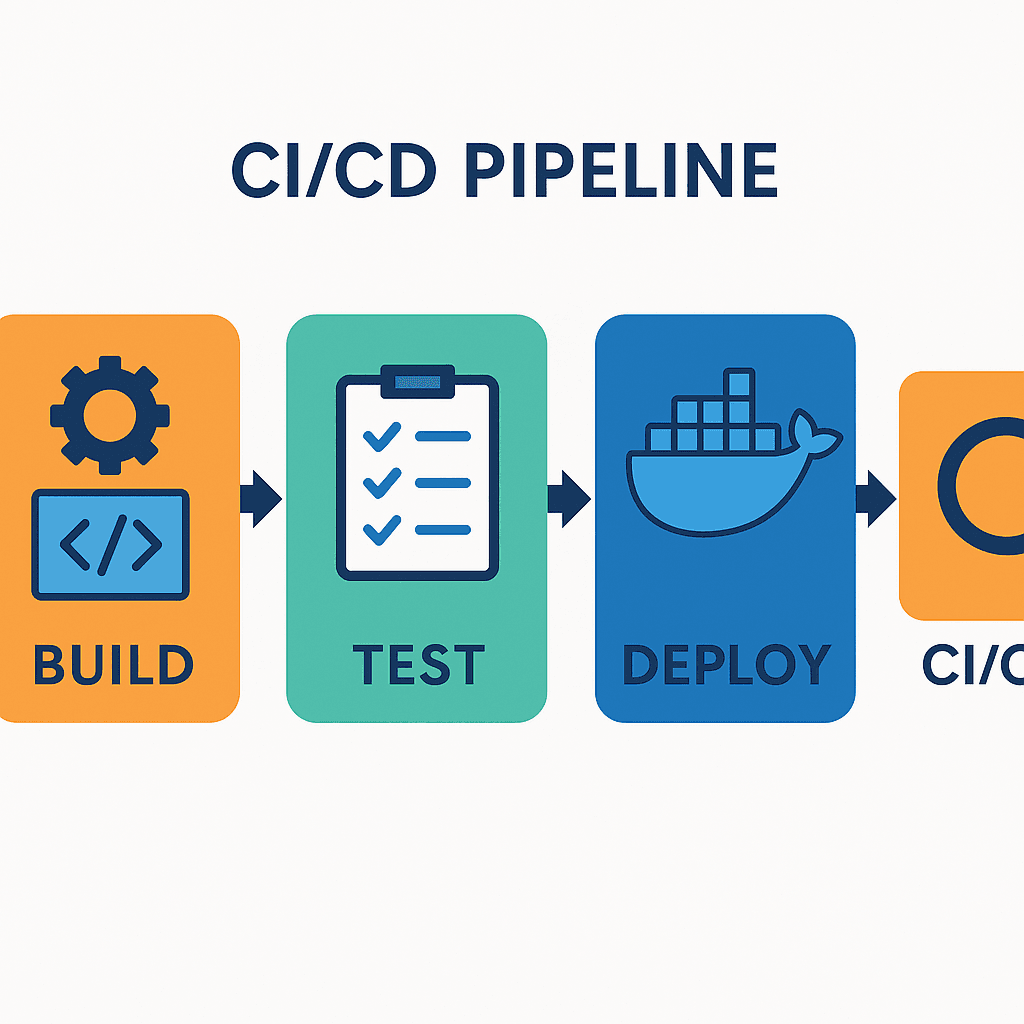
🔹 Week 4: Git & GitHub Challenge
Software Developer successfully implemented DevOps principles
1️⃣ Fork & Clone the Repository
🔹 Fork the repository on GitHub
🔹 Clone your fork locally (replace <your-fork-url>):
git clone <your-fork-url>
cd 2025/git/01_Git_and_Github_Basics
2️⃣ Initialize a Local Repository & Create a File
🔹 Create a new directory for the challenge
mkdir week-4-challenge && cd week-4-challenge
🔹 Initialize Git & add a file
git init
echo "Hello, I’m [Your Name]!" > info.txt
🔹 Stage & commit the file
git add info.txt
git commit -m "Initial commit: Added info.txt"
3️⃣ Configure Remote with PAT & Push Changes
🔹 Add remote using your PAT (replace placeholders)
git remote add origin https://<your-username>:<your-PAT>@github.com/<your-username>/90DaysOfDevOps.git
🔹 Push changes to GitHub
git push -u origin main
🔹 Pull latest changes if needed
git pull origin main
4️⃣ View Commit History
🔹 Check previous commits
git log
✍️ Take note of commit hashes for documentation.
5️⃣ Advanced Branching & Switching
🔹 Create & switch to a new branch
git branch feature-update
git switch feature-update
🔹 Modify info.txt, then stage & commit changes
git add info.txt
git commit -m "Feature update: Improved info.txt"
git push origin feature-update
🔹 Merge changes via a GitHub Pull Request (PR).
📌 Extra Challenge: Try handling a merge conflict with a second branch (experimental), then resolve and commit.
6️⃣ Explain Branching Strategies
🔹 Create solution.md in your repo
🔹 Document all Git commands used
🔹 Write why branching strategies matter:
✅ Isolating features & bug fixes
✅ Parallel development for teams
✅ Reducing merge conflicts
✅ Enhancing code reviews
🔹 BONUS: SSH Authentication
🔹 Generate SSH key & add to GitHub
ssh-keygen
cat ~/.ssh/id_ed25519.pub
🔹 Switch to SSH-based remote URL
git remote set-url origin git@github.com:<your-username>/90DaysOfDevOps.git
git push origin feature-update
Completing this challenge strengthens your Git and GitHub workflow, making collaborative development smoother.